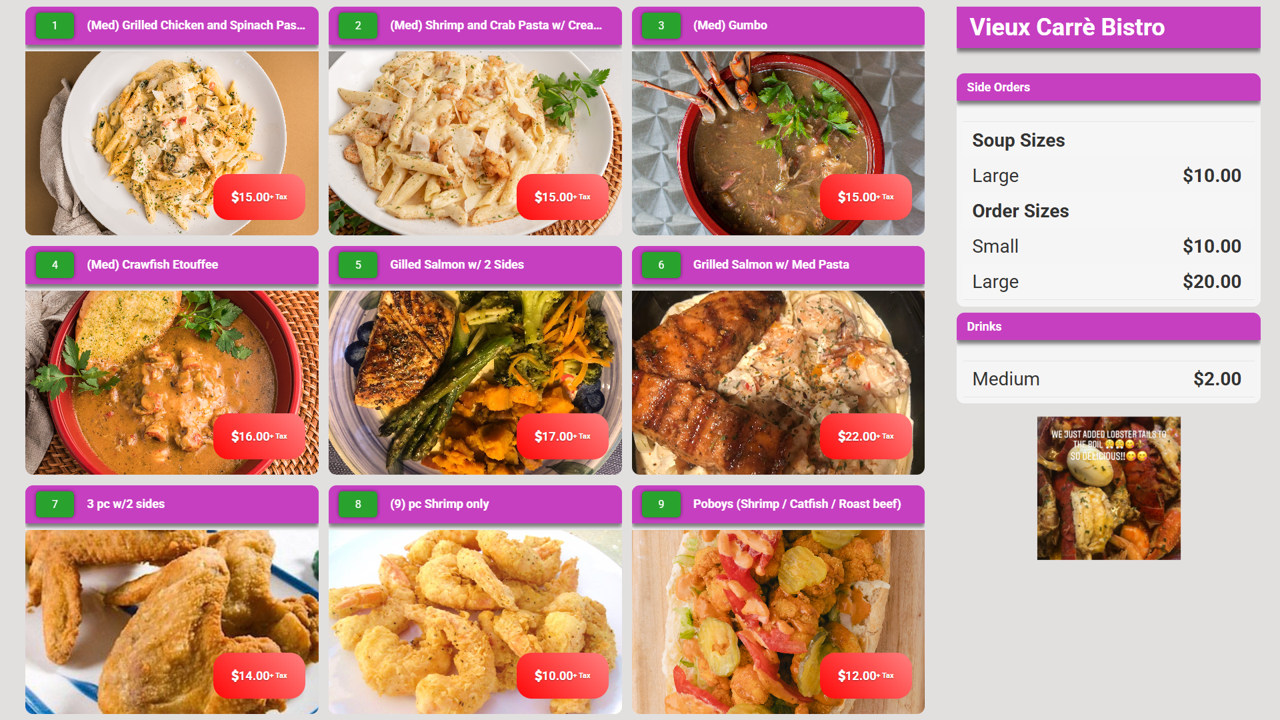
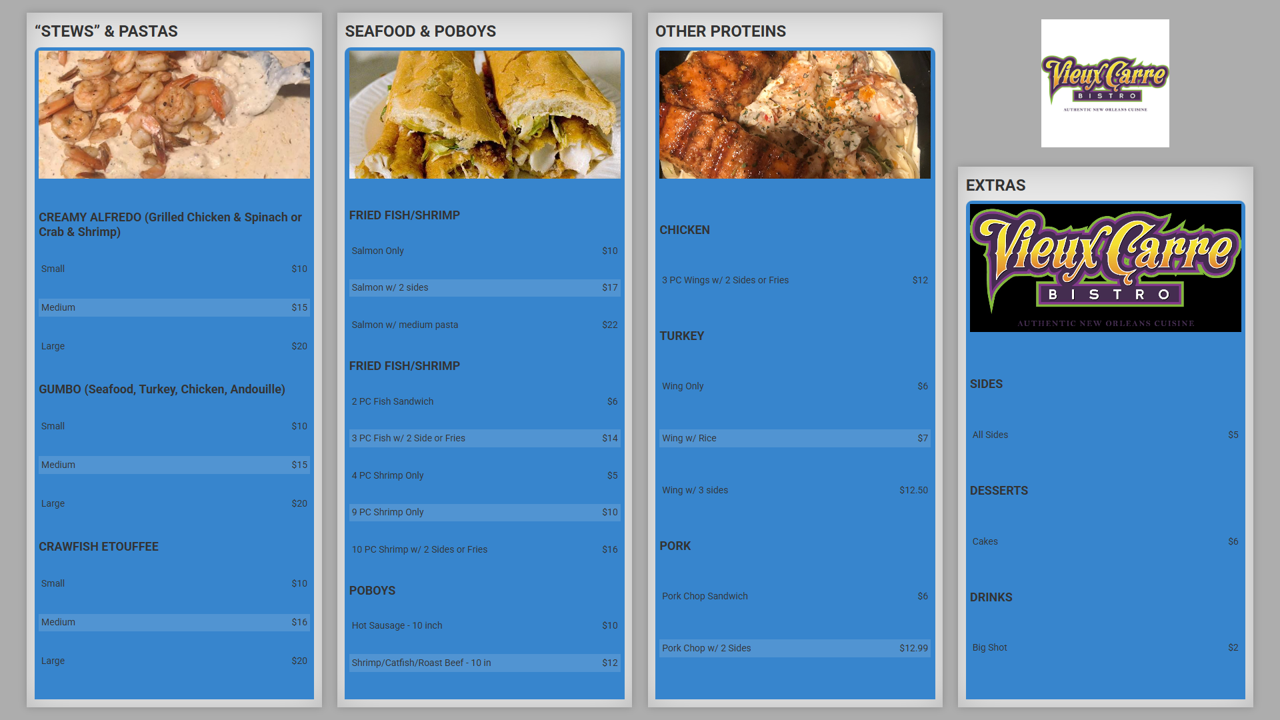
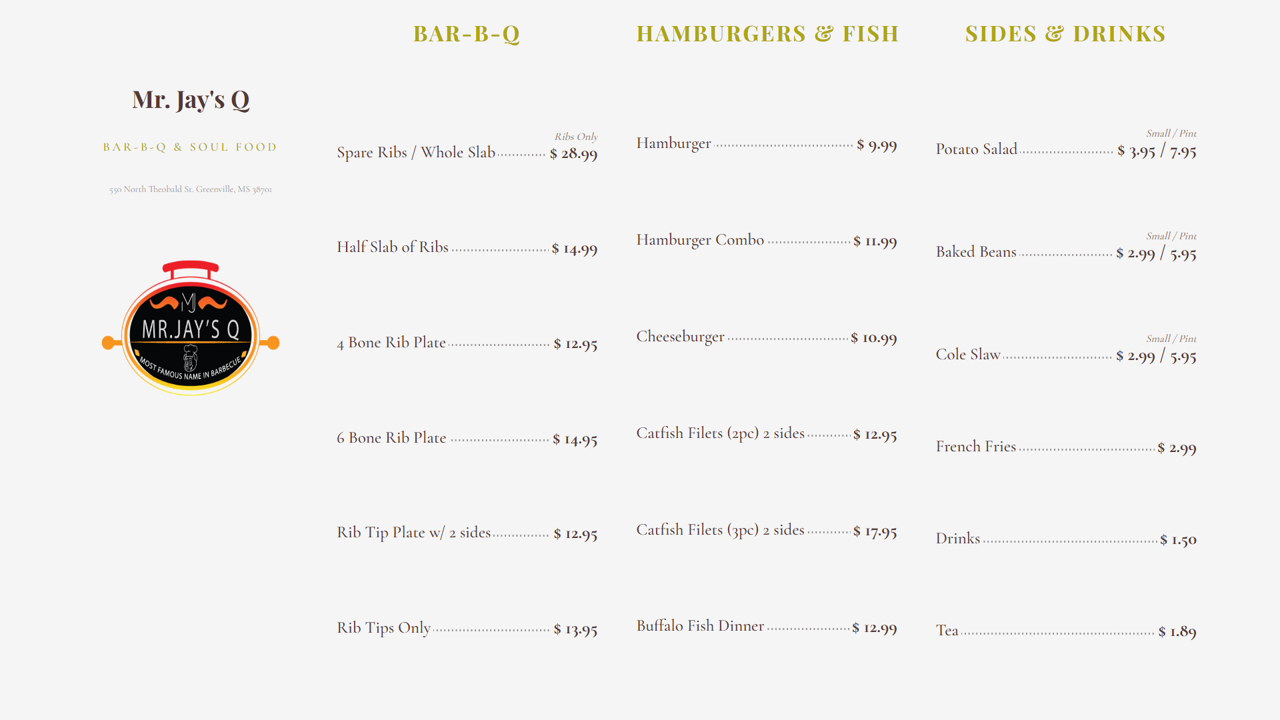
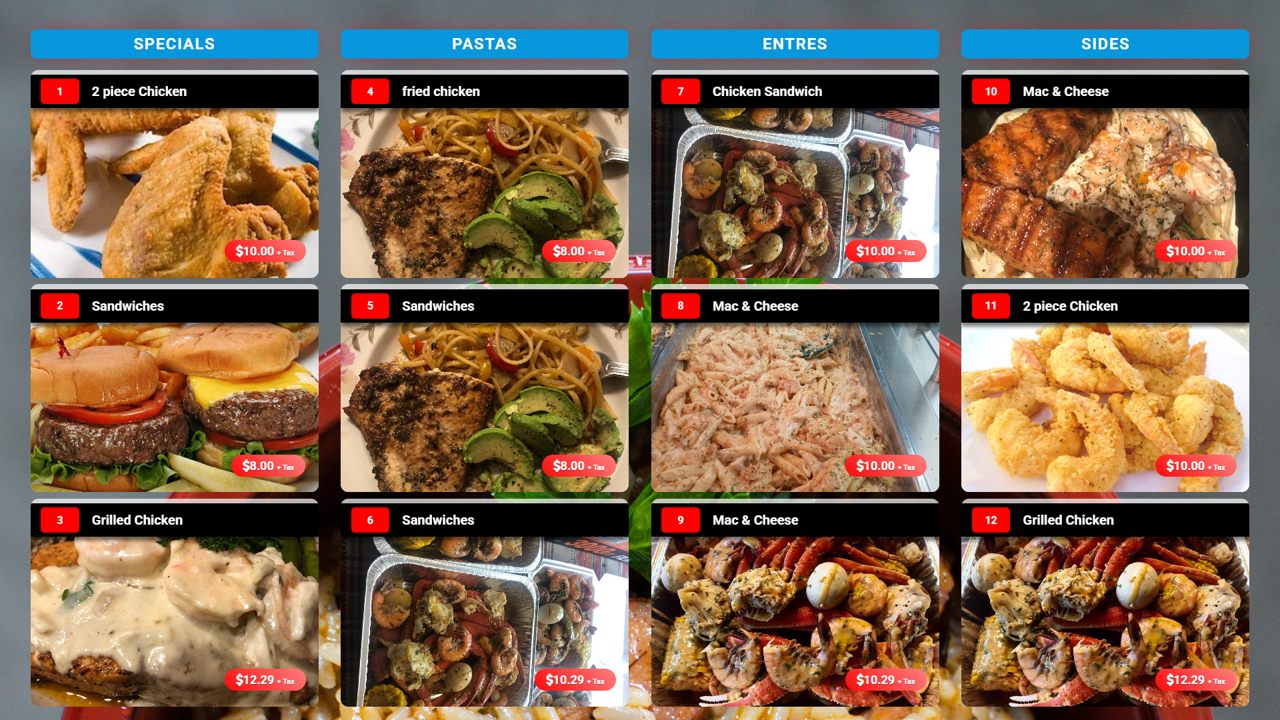
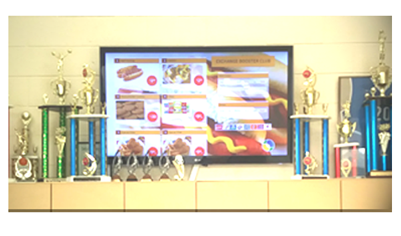
Is your business in need of a new Digital Menu Board?

Make the change yourself with no technical experience needed.

We've made the whole process as simple as possible with no technical or design skills needed. It's easy, easy to sign-up, easy hardware set-up, easy to manage and easy on the wallet. To get started, you need an account

Step 1. Plug the X96 into your TV
Small interface, big effect, meeting various signage needs
Product image
Suitable for various TV's. With an HDMI interface, the X96 supports a variety of LCD TVs and Old TVs.
The New (4K) X96, Easy Setup

CPU: Amlogic S905W Quad Core ARM A53 @2GHz GPU: Penta-core Mali-450MP GPU @ 750MHz, Memory DDR3:1GB Flash eMMC:8GB
Benefits
  • Built-in Wifi:IEEE 802.11(b/g/n) / Bluetooth
  • 8GB of Storage Space
  • 4K HD Video
  • Perfect for easy deployment
  • Installation: options:  Wall mount/Paste on TV or Wall
Take it on the go, small enough to fit in your pocket.
Step 2. Setup a Display Technology account
Subscriptions are based on your display network size or number of displays you intend to use
Product image
Stream on the go, Make money on the go
Step 3. Create a menu with our templates or Upload your menu
Just choose a template, upload your product photos, type a description and assign a price.
Product image
Stream on the go, Make money on the go
Step 4. Here's what it cost you
The Menu Upgrade-Kit is an all inclusive annual software subscription and hardware solutions, That allows you to setup 3 digital menus witn no technical experience. All for the special price of $299
Product image